011 min
What a feature list misses that scenarios catch
Picture a team building a medication reminder app. Their feature list has one line for the core job: a daily reminder at a set time. It looks complete, and every reviewer agrees with it.
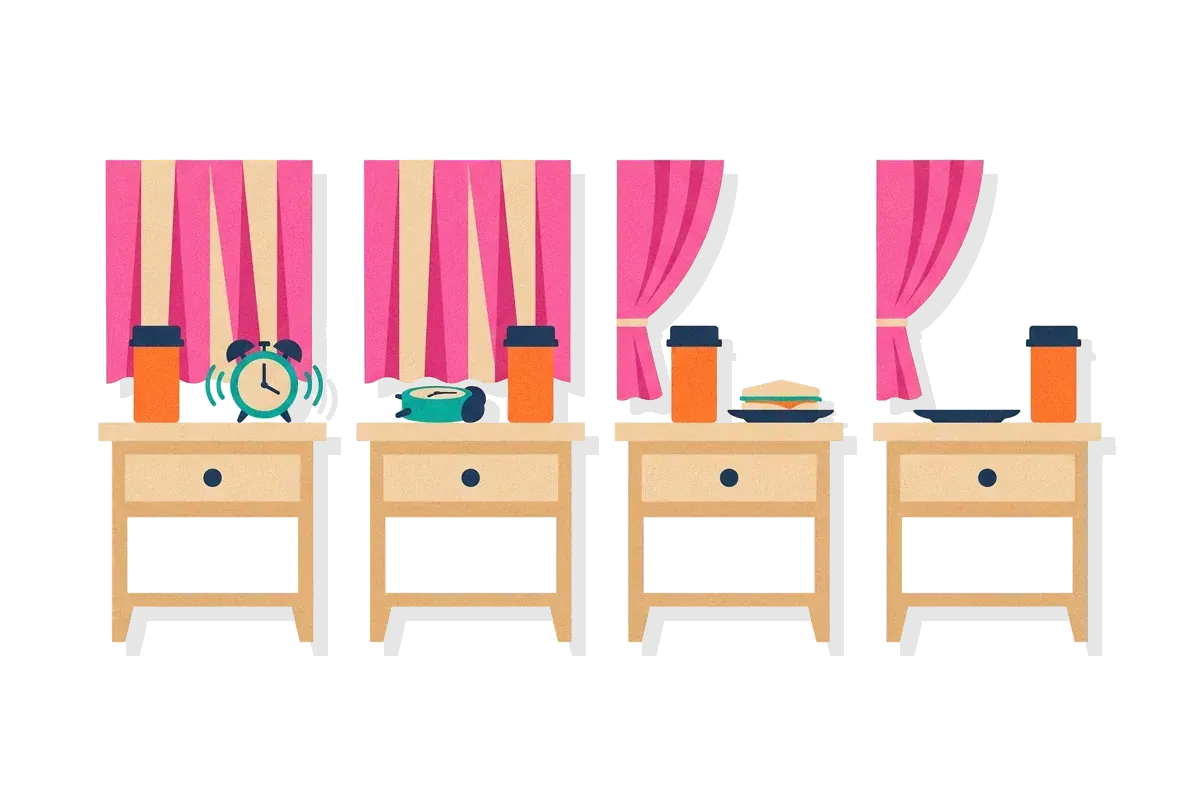
Then someone on the team writes a short story instead. A nurse works night shifts and takes a blood pressure pill with their first meal of the day. On work days, that meal is breakfast at 08:00, right after the shift ends. On days off, the nurse sleeps late and eats at noon. The reminder is set for 08:00, so on a day off it goes off while they are asleep. They turn it off without waking fully, and by noon they have forgotten the pill.
Nothing in the feature list was wrong. The list never asked when the person eats, sleeps or works. The story had to ask, because a story cannot start without a person, a place and a time. The team now knows two new things. The reminder has to follow the meal, not the clock. And a reminder that was turned off half-asleep needs to come back later.
Designers call this kind of story a scenario. It describes one person using a product, in enough detail that the gaps in the plan become visible.
023 min
What a design scenario contains
The nurse story works because it has the same few parts every scenario has. John M. Carroll, the human-computer interaction researcher who did most to turn scenarios into a design method, named them in his 2000 book Making Use. A scenario has a setting. It has at least one actor, and each actor has a goal. And it has a plot: a sequence of actions and events, some done by the actor and some that happen to them.
Practitioners today often use a five-part version. Kim Flaherty of Nielsen Norman Group listed the parts in 2021 as an actor, a motivator, an intention, an action and a resolution. She recommended a specific persona as the actor, meaning a research-based profile of one type of user. Here is the nurse story split into those parts:
| Part | The nurse scenario |
|---|---|
| Actor | A nurse who works night shifts |
| Motivator | A daily blood pressure pill, taken with the first meal |
| Intention | Take the pill at the right time on every kind of day |
| Action | Sleeps late on a day off and turns off an 08:00 reminder half-asleep |
| Resolution | Misses the dose |
Two parts carry most of the value. The setting forces the writer to decide when and where the action happens, and that is where the nurse problem was hiding. The resolution says whether the person reached the goal. A scenario that ends in failure shows the team a missing requirement. A scenario that ends in success shows what the design must keep doing.
Carroll's accountant scenario
Carroll's own teaching example is small on purpose. An accountant wants to read a memo about budgets, but the folder that holds it is hidden under a large budget spreadsheet the accountant also needs. The accountant pauses for a few seconds. Then they shrink the spreadsheet, move it partly off the screen, open the folder and the memo, and arrange the two documents side by side.
The story is four lines long, yet it states a real requirement. People need to see two documents at once, and the screen fills up fast. A team that reads it treats window arrangement as a core need, not an extra.
Each action helps, blocks or does nothing
Carroll read every step in a plot by its effect on the goal. Shrinking and moving the spreadsheet move the accountant toward the goal. The hidden folder works against it until the accountant acts. The pause does nothing for the goal, but it tells the designer that the work was not going smoothly. A step can even change the goal itself. Reading a scenario this way turns a story into a list of places where the design helps or gets in the way.
Why a rough story is useful
A scenario is incomplete on purpose, and Carroll argued that this is its strength. It is specific enough for a team to sketch and test. It is also loose enough that a team can rewrite part of it in minutes when it learns something new. A list of functions tends to fix decisions early, before the team understands the problem. A scenario keeps those decisions open. In the nurse case, the scenario does not yet say whether the fix is a meal button, a second alarm or a smarter schedule. It only says what must be true for the nurse.
032 min
Where scenarios in design come from
Carroll gave scenarios their place in design, but he did not invent them. They reached design from three directions, and no single person is the origin.
The first direction was strategy. In the early 1960s, the strategist Herman Kahn used scenarios to think through the Cold War. He wrote extreme cases on purpose, so that planners would consider a wider range of possible futures. That line of work grew into a separate business method called scenario planning.
From usage scenarios to use cases
The second direction was software engineering. Ivar Jacobson presented the first paper on use cases at the OOPSLA conference in 1987. His first names for the idea were "usage scenarios" and "usage case", a direct translation of a Swedish term. He switched to "use case" because the other phrases did not sound natural in English. So the formal use case and the design scenario share one starting point. They split later, when use cases became structured lists of system steps.
Scenario-based design
The third direction, and the one most designers mean today, came from human-computer interaction. In 1995 Carroll edited a collection of papers called Scenario-Based Design, which showed scenarios at work in every stage of a project, from finding requirements to training users and testing the result. In Making Use (2000) he made the central claim: describe what people will try to do first, and let those descriptions guide the rest of the design. User-centred design practice then paired scenarios with personas, so each story had a researched actor.
042 min
Kinds of scenarios, from a goal to a full task
Once a team has one scenario, the next question is how much detail it needs. The US government site Usability.gov described three levels, and teams still use them:
| Level | What it holds | The nurse version |
|---|---|---|
| Goal-based | Only what the person wants to do | Take the pill with the first meal, every day |
| Elaborated | Who the person is, their situation and their motives | Night shifts, late sleep on days off, a reminder turned off half-asleep |
| Full task | The goal plus each step the person takes | Wakes at noon, eats, sees no reminder, checks the history, takes the pill late |
A goal-based scenario is enough to plan content and to write test tasks. An elaborated one helps a team that has never met its users. A full task scenario helps when the order of steps matters. It is also the level where interface details start to appear in the story.
Some teams also write negative scenarios, also called misuse cases. These describe what a careless or hostile person might do, so the team can design against it. For the reminder app, one might follow a family member who changes the dose settings without asking.
Writing the same goal for different people and settings is the cheapest way to find out who the design leaves out. The US government design team 18F recommends exactly this: check how one person needs different things in different contexts, and how different people need different things in the same context. A nurse with poor eyesight, or a phone left on silent, gives the reminder app two more scenarios to pass.
052 min
How to write scenarios
With the levels clear, the team can write a set of scenarios on purpose rather than by accident. Most guides agree on the same order:
Start from research.
Use interviews, support tickets or field visits. A scenario built on guesses passes the guess to everyone who reads it.
Pick an actor.
Use a persona or a clear role, such as a nurse who works night shifts. Never write the user.
Set the scene.
Say where the person is, what time it is, what device they hold and what else is happening.
State the trigger and the goal.
What starts the story, and what counts as success for the person?
Tell the actions without the interface.
Write checks whether today's pill was taken, not taps the History tab.
End with a resolution.
Success, failure or a workaround.
Vary it.
Write the same goal for a different person or a different setting.
How many to write depends on the product. Usability.gov suggested listing between 10 and 30 of the most common scenarios before any building starts. That range is small enough for a team to read in one sitting and wide enough to cover the main tasks.
Many teams then run a scenario mapping workshop. In the Nielsen Norman Group version, four to six people from different roles split one scenario into steps on sticky notes. Under each step they write design ideas, open questions and concerns, then group what they wrote. After the workshop, the team shares its scenarios with stakeholders and asks which ones look wrong or missing. It updates the set whenever research or the product changes.
062 min
Scenarios in a real project: Carroll's multimedia classroom
A real project shows what written scenarios do for a whole team, not only for one designer. Carroll describes a multimedia education project whose team mixed experts in natural language processing, multimedia authoring and interface design. Their goal was a system for student-directed lessons built around real engineering case studies.
The Tacoma Narrows scenario
One of the team's scenarios follows a student who saw a small bridge collapse after heavy rain as a child. The student opens a case study of the Tacoma Narrows Bridge and watches a film of it twisting apart. They replay the film, open a related lesson on harmonic motion and browse it without doing the exercises. Then they save the clip with a spoken note and type a question in plain language to find more cases.
No single feature in that story was new. The scenario showed how the features fit together for one person with one interest. It also raised decisions the team had to make: whether skipping the exercises was allowed, and how a saved clip should be found again later.
The same project shows the cost of not sharing scenarios. Early on, the team held long weekly meetings to agree on one vision. As the work went on, the meetings were quietly dropped and people split into groups. Carroll reports that the groups ended up working toward subgoals that did not fit together well. In his reading, a shared set of scenarios would have given every group the same picture of the goal while they worked apart.
072 min
Turning scenarios into usability test tasks
A scenario stays useful after the design exists, because it becomes the basis for checking that design. In usability testing, a facilitator watches real people try to complete tasks, and each task is a scenario cut down to a goal and a little context.
Marieke McCloskey of Nielsen Norman Group gave three rules for these tasks in 2014. Make the task realistic, so it matches what the person would really want to do. Make it actionable, so the person does something instead of describing what they would do. And do not give clues or list the steps, because the wording of a step often tells the person which part of the interface to use.
Her shopping example shows the difference. One poor task asked people to buy a pair of orange Nike running shoes. That wording names a brand, a colour and a product type, so the person only has to follow the words to the right page. The better task asked them to buy shoes for less than $40, which lets them shop the way they normally would.
For the nurse app, the test task becomes:
You have just woken up at noon on a day off. Make sure you take today's pill.
The task does not mention reminders, history or any screen name. If testers wake, eat and still cannot tell whether they took the pill, the design has failed the scenario it was built for.
082 min
When scenarios mislead a team
Testing catches a weak design, but it does not catch a weak scenario. A weak scenario leads the whole team to build the wrong thing, and four failures come up again and again:
- Invented from guesses. A scenario feels true because it is a story. If no research stands behind it, the team builds for a person who does not exist.
- Only the smooth path. Teams like to write the story where everything works. The nurse problem appears only on a day off, the less common case.
- Too much detail. A scenario packed with specifics produces a design that fits that one story and ignores the range of real situations.
- The interface written in. Taps the snooze button decides the solution before anyone has looked at other options.
Where scenarios are worth the effort
Scenarios take time to write and to keep current, and they are not equally useful on every project. In strategy work, the planning researcher Paul Schoemaker found in 1995 that scenarios helped most when the future was uncertain, when people disagreed strongly about what to do, and when communication was poor. Carroll carried that finding over to design. A small change to a familiar screen may need only a one-line goal. A new product, or a team that argues about who its users are, needs a full set.
Scenarios go out of date because the product changes the work
A product changes the tasks it was built to support. Carroll called this the task-artifact cycle: people use a new tool, find new things to do with it, and those new tasks create new requirements. His example was the spreadsheet. VisiCalc, the first electronic spreadsheet, came out in 1979 to support table calculations. People soon used spreadsheets for what-if planning, reports and even short memos typed into cells. Carroll read that history as a steady change in what the next spreadsheet had to do. For the reminder app, linking reminders to meals may lead people to log their meals, and that creates scenarios nobody wrote at the start.
092 min
Scenarios vs. use cases, user stories and storyboards
The word "scenario" sits next to several tools that look alike from a distance. What separates them is what each one describes and who uses it.
| Tool | What it describes | Typical form |
|---|---|---|
| Scenario | One person in one situation trying to reach a goal | A short story, told without the interface |
| Use case | Every interaction between an actor and a system for one function, including errors | A structured list of steps and alternative paths |
| User story | One small piece of value for the build backlog | As a [role], I want [action], so that [benefit] |
| Storyboard | A scenario drawn as a sequence of frames | Sketches with short captions |
| Persona | Who the actor is | A profile, not a story |
In practice a scenario usually comes first. A storyboard draws it. Use cases and user stories break it into parts that engineers can build. Test tasks check the result against it.
Scenarios are not forecasts
The most common confusion is with scenario planning, the strategy method that grew from Kahn's work. A planning scenario describes a possible state of the world, such as a market after a new law, and an organisation prepares for several at once. A design scenario describes one person using one product, and the team designs so that the story ends well. Treating a design scenario as a prediction leads teams to argue about whether it will happen. The useful question is whether the design handles it when it does.
?5 questions
Questions people ask
Who should write design scenarios?
How long should a design scenario be?
Do scenarios fit agile teams?
Can scenarios describe services, not only software?
What is the difference between a scenario and a journey map?
§8 sources
Sources
Show all 8 sourcesHide sources
John M. Carroll, "Scenario-Based Design", chapter 3 of Making Use: Scenario-Based Design of Human-Computer Interactions, MIT Press, 2000 (a copy hosted by Cornell University). cfacaa.human.cornell.edu
Kim Flaherty, "Scenario Mapping: Design Ideation Using Personas", Nielsen Norman Group, 2021. nngroup.com
Marieke McCloskey, "Task Scenarios for Usability Testing", Nielsen Norman Group, 2014. nngroup.com
Usability.gov, "Create Scenarios", US Department of Health and Human Services (archived 2012 copy, UNT CyberCemetery). cybercemetery.unt.edu
"Use case", Wikipedia, history section on Ivar Jacobson's 1987 paper. en.wikipedia.org
"Scenario (computing)", Wikipedia, on Carroll's 1995 collection and negative scenarios. en.wikipedia.org)
18F, "User scenarios", 18F Guides. guides.18f.org
Usability Body of Knowledge, "Scenario of Use", User Experience Professionals Association. usabilitybok.org