012 min
Why paper prototyping exists
A design team that waits for working software to test its design learns the bad news late. By then the screens are coded, the data is connected, and every change means rework. Jakob Nielsen wrote in 2003 that the most common estimate puts the cost of a change before any code exists at one hundredth of the cost afterwards.
The obvious fix is to build a quick working version and test that. The Excel team tried it. They wanted to know whether people would like to drag and drop cells with the mouse, so they asked interns to build a prototype good enough for a usability test. It took them a whole summer to build, because it had to copy so much of the real program. The test showed that the feature was good. Joel Spolsky, who tells the story, adds that the programmer in charge then built the real feature in perhaps a week.
Why a working prototype is hard to keep cheap
A software prototype has to behave like the product, or the test tells the team nothing. A prototype that behaves like the product is close to being the product. The cost of the test then grows to match the cost of the thing being tested.
Paper breaks that link. A sheet only has to look right. A person supplies the behavior, so nobody writes code until the design has survived contact with a real user. That is the idea behind prototype testing in its cheapest form.
022 min
How a paper prototyping session works
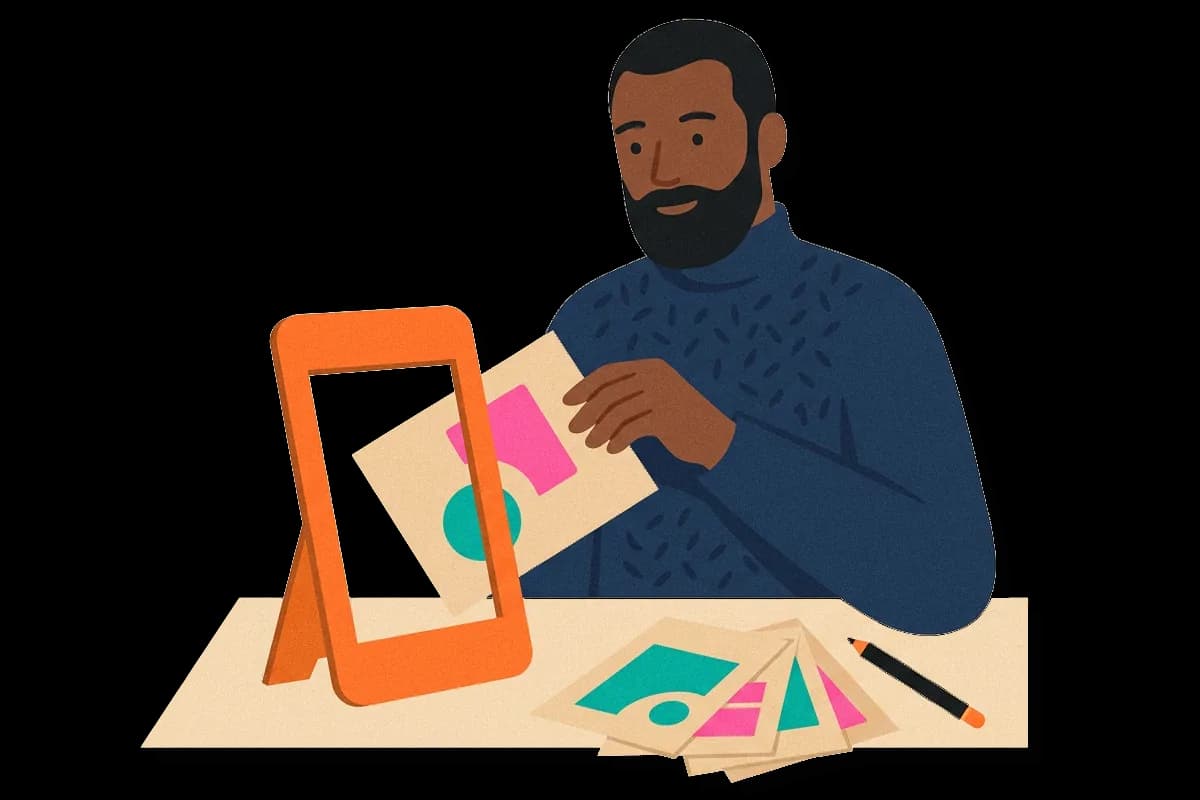
Paper prototyping puts the interface on sheets and leaves the behavior to people. The team draws each screen, menu and dialog box on its own sheet or slip of paper. A participant receives a realistic task, such as finding the answer to a problem, and touches the sheets as if they were a screen. Where a button would be clicked, the participant points with a finger or pen.
Another team member plays the computer: when the participant touches a control, they put down the sheet that the software would show next. They do not explain the design and they do not hint. If the participant is lost, the loss stays visible, and that is the information the team came for.
Four roles make a session work:
Participant.
A person who resembles a real user, not a colleague on the project.
Facilitator.
The one person who talks to the participant, gives the task and asks what they expect to happen.
Computer.
The team member who swaps sheets and slips, and says nothing about the design.
Observers.
People who write down where the participant hesitates, goes the wrong way or says something is unclear.
Why a rough drawing gets frank answers
The method is also called low-fidelity prototyping. Fidelity means how closely a prototype matches the finished product in look and behavior. A low-fidelity prototype looks rough and relies on a person for its behavior. People tend to criticize a rough sketch more freely than a polished screen, because a sketch does not look finished. A participant who sees a drawing that took ten minutes is less worried about hurting a designer's feelings.
031 min
A paper prototyping test at Mozilla
The clearest published example is Mozilla's work on help pages for the Firefox browser. The Firefox Help landing page linked more than 30 articles from its homepage, and a person with a problem not on that list could only find help by searching. The team wanted a front page that sent people to answers without a search.
They drew new versions of the page on paper and put them in front of users. Some of the Mozilla prototypes went through 7 versions in 2 weeks. That pace was possible because a new version cost a pen and a sheet, and nobody had to ask a developer for a change.
What users said about the wording
Test users liked the large icons on the new pages, but the wording of some choices confused them. Wording is a good example of a problem that paper finds well. A confusing label looks the same on a sheet as it does on a screen. The team could rewrite the label on the sheet and test the new wording with the next participant. A team that had waited for code would have found the same confusion, and fixed it more slowly, in the second week of a release cycle instead of the first day of a test.
041 min
Where paper prototyping comes from
Teams did not always test this way. The method began in the mid-1980s and spread in the mid-1990s, when IBM, Honeywell, Microsoft and other companies adopted it. The accounts used for this entry give a period and a list of companies. They do not name one inventor or one founding paper, so none is credited here.
What changed the method's reach was a reference book. Carolyn Snyder, who ran paper tests at the consultancy User Interface Engineering, published her book Paper Prototyping in 2003. The same year, Nielsen wrote the article that is quoted above. Together they turned a technique that teams passed on by example into one with written instructions.
Its name hides a shift in thinking. Earlier prototypes were meant to show a finished-looking design to a client. A paper prototype is meant to be wrong in front of a user, so the team can find out where it is wrong.
052 min
What paper prototyping finds, and how well it works
A fair question is whether a test on a rough drawing finds real problems or only the obvious ones. Robert Virzi, Jeremy Sokolov and Demetrios Karis asked this at the CHI conference in 1996. They ran two experiments. In each one they built a low-fidelity and a high-fidelity version of the same product and compared the usability problems that each version revealed. Both experiments turned up nearly the same usability problems with the low-fidelity version as with the high-fidelity one.
These were two experiments on two kinds of product, so the result is strong evidence and not proof for every interface.
The electronic book and the voice system
The first experiment used an electronic book. The low-fidelity version was made of paper and index cards. The second used a voice response system, the kind that answers by playing recorded prompts. In the voice response test, one of the authors played the computer and read the system's replies aloud. It is the same idea as the sheets, with speech in place of paper.
A rough prototype is not a weaker test
Many teams assume that a rougher prototype gives a weaker test, and that spending more on fidelity buys more findings. The result above says the opposite for problems of layout, flow and wording. The extra polish found little that the drawing missed.
The feeling that it is cheating
Nielsen noted that the method can feel wrong, because so little effort goes into it. The sense that good research must be laborious is a feeling and not a measurement. Nielsen has run studies in which the only material was three different homepage mock-ups for a website.
A problem that paper found before launch
Snyder describes a paper test of Priceline.com before it launched. The idea was new: a traveler says where they want to go and how much they will pay. The paper test showed that the first design of Priceline.com could take up to three days to tell a traveler whether they had a ticket. For a traveler that wait was not acceptable, and the team learned it while the fix was still a change to a plan.
062 min
When paper prototyping does not fit
Paper still cannot show everything. Snyder lists rapid, subtle and complex interactions as weak spots, because the person playing the computer cannot respond as fast or as quietly as software.
Scrolling and other small actions
Low-level actions such as scrolling are hard to imitate with sheets. A page that is long, a list that moves or a field that fills in as the participant types cannot be shown by swapping paper. A team that needs to know how a scroll feels should test with software.
Timing
A test that measures how long a task takes will measure how long the person playing the computer needs to find and place a sheet. That delay is not part of the design. Paper is a good way to ask what a participant understands and a poor way to ask how fast they are.
Limits the medium sets
Virzi and colleagues stated that a low-fidelity prototype will always be limited in some way, and the examples they give are concrete. They report a task that could not be completed on a flat prototype of paper and cardboard. In the voice response study, paper could not check whether prompts joined together sounded right or could be understood. Every prototype made for a lab is a rough copy of real use, and paper is a rougher copy than most.
Two more limits are practical. Paper prototypes can only be tested with the participant in the same room as the sheets, and they suit the early stage of a design more than the late stage. Once the questions turn to timing, motion or real data, a software prototype is the better tool.
072 min
Running a paper prototyping test
A team can run a first test with a short list of materials and a few roles. The steps below follow the order that sessions usually take.
- Write the tasks first. Each task is a goal that a real user would have, such as finding help for a problem that is not on the list.
- Draw one sheet for each screen the tasks need. Draw menus, dialogs and messages on separate slips, so the person playing the computer can place and remove them.
- Rehearse with a colleague. The person who plays the computer should know where every sheet is before a participant arrives.
- Recruit participants who resemble the real users. A teammate already knows how the design is meant to work.
- Run the session. Ask the participant to say aloud what they expect and what they see, a habit called a think-aloud protocol. The facilitator asks questions and does not help.
- Photograph the sheets and notes before tidying up, because paper gets lost.
- Change the sheets and test again. The repeating cycle of test and change is the iteration cycle, and on paper each turn is cheap.
Comparing designs on paper
Paper also suits a comparison. A team can draw two or three versions of one screen and test them with the same tasks. Doing this on purpose is called parallel prototyping. Nielsen's three homepage mock-ups are an example of the material it needs: three drawings and a few participants.
082 min
Paper prototyping vs. nearby concepts
Several other methods share parts of paper prototyping, so a team can mix them up. The table sets four of them side by side.
| Method | What the participant sees | Who supplies the behavior | Best for |
|---|---|---|---|
| Paper prototyping | Hand-drawn or printed screens | A team member who swaps sheets in view | Early questions about layout, flow and wording |
| Wireframe | A plain layout of one screen | Nobody, because it does not move | Agreeing on structure inside the team |
| Wizard of Oz | An interface that looks finished | A person hidden from the participant | Testing smart behavior before building it |
| Clickable digital prototype | Linked screens in software | The software | Later checks of flow, timing and motion |
The closest neighbor is Wizard of Oz. Both use a person to play the system. The difference is whether the participant knows. In paper prototyping the participant can see the person swapping sheets. In a Wizard of Oz test the participant believes the system is real.
Two other concepts sit close by. Experience prototyping tests what an experience feels like, often with physical props. A storyboard is a sequence of drawings that tells a story of use, and a participant does not operate it. A paper prototype is the one of these that a participant operates.
?4 questions
Questions people ask
Does paper prototyping replace digital prototypes?
Who should play the computer in a paper prototype test?
What materials does a paper prototype need?
Is a paper prototype the same as a wireframe?
§7 sources
Sources
Virzi, R. A., Sokolov, J. L., & Karis, D. (1996). Usability Problem Identification Using Both Low- and High-Fidelity Prototypes. CHI '96.
Nielsen, J. (2003). Paper Prototyping: Getting User Data Before You Code. Nielsen Norman Group.
Nielsen Norman Group. Mozilla Paper Prototype.
Snyder, C. Using Paper Prototypes to Manage Risk. Center Centre.
Show all 7 sourcesShow fewer sources
Spolsky, J. (2003). Joel on Software, 16 May 2003.
Snyder, C. (2003). Paper Prototyping. Morgan Kaufmann. Publisher page.
Wikipedia. Paper prototyping.