011 min
The problem contextual design was built to solve
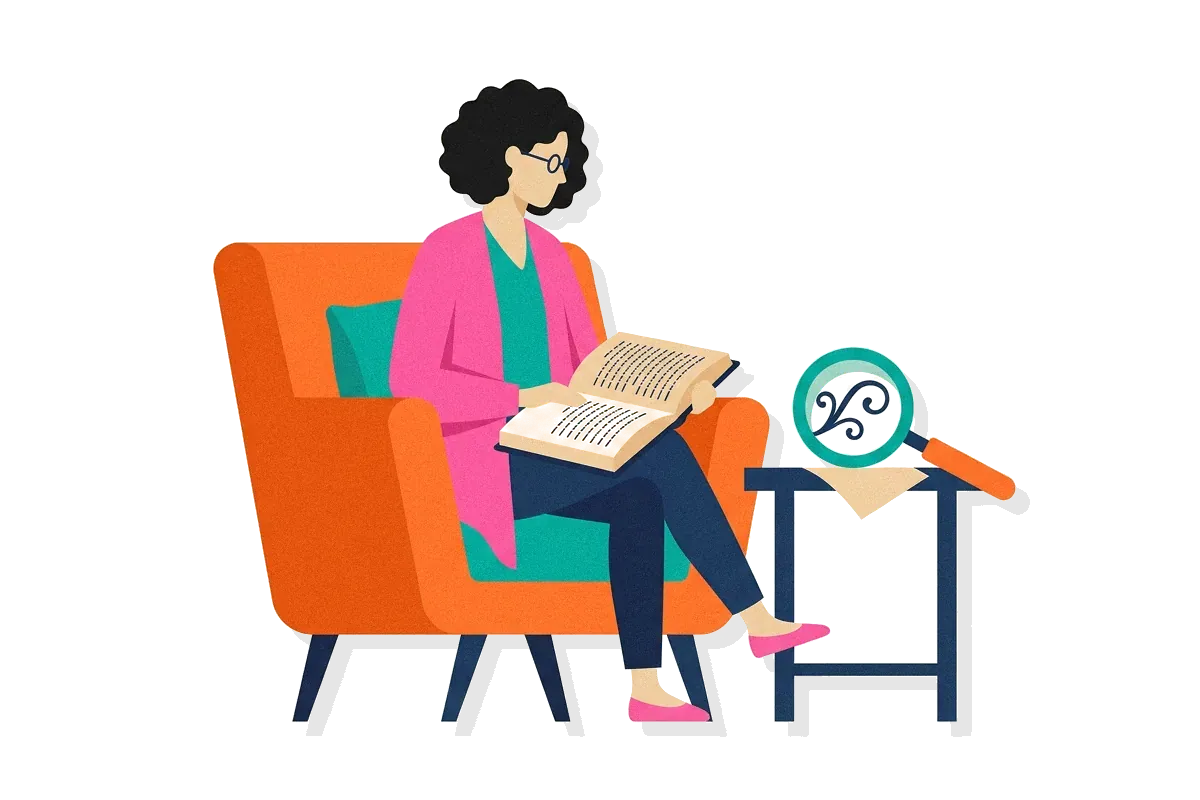
Picture a library team that is building a tool for music students. The students need to listen to assigned recordings and write about them. The team asks a few students what they want. The students ask for faster search and a bigger play button. The team builds both, and the students still lose time every week, for reasons nobody mentioned.
Nobody held anything back. People who do a job every day know it well, but they rarely notice how they do it. Holtzblatt and Beyer call this knowledge tacit, which means it is used without being put into words. The details that matter come back to mind only while the person is working, for example which list they open first or which workaround they trust. Contextual design uses the term work practice for the behaviors, attitudes, goals and intentions that mark a group of users in one setting. The term is not limited to office jobs. Shopping, driving and watching television all have a work practice.
The tools designers had in the early 1980s added a second problem. Holtzblatt and Beyer write that the lab-based usability methods of the early 1980s change a design only a little and seldom lead to a new direction. A team needed a way to see the work where it happens, and a way to share what it saw with everyone who builds the product.
022 min
Where contextual design comes from
Holtzblatt and Beyer built the first version of the method while they worked at Digital Equipment Corporation in the early 1980s, she as a psychologist and he as a developer. Each brought the methods of their own field, and they wanted a process that a commercial team could actually use.
The first piece was a way to collect data. Holtzblatt borrowed from ethnography, the study of people in their own settings, and shortened it. A visit lasts a few hours, not weeks, and the researcher talks with the user about the work as it goes on. That step became contextual inquiry.
The second piece came from Scandinavia. There, workers' representatives had to take part when a workplace was redesigned. Designers built rooms and workstations from large cardboard boxes, and workers walked through their usual tasks in the mock room and changed it when something did not work. Holtzblatt shrank the idea to fit software. She drew screens by hand on sticky notes and had a user and a designer work through the user's own tasks in the user's workplace, changing the notes as problems appeared. This belongs to the tradition of participatory design, in which the people who will use a system help to shape it.
The remaining pieces came later. Work models gave a team a way to discuss what it had seen in the field. The User Environment Design showed the structure of a system before anyone drew screens. Articles in the early 1990s described parts of the method, and the book Contextual Design, by Beyer and Holtzblatt, set out the whole process.
031 min
How contextual design collects data
The method has two halves. The first half builds an accurate picture of how users work today. The second half invents a design and tests it. The steps run in this order: contextual inquiry, interpretation, consolidation, visioning, storyboarding, user environment design and prototyping. This section covers the first two.
Everything begins with field visits. A team member goes to the user's workplace, watches the user work, and asks about each action as it happens. The visitor does not bring a fixed list of questions, as an interviewer would for a survey or a focus group. In contextual inquiry the interviewer acts as an apprentice learning from a master, instead of working through a fixed list of questions. The visitor also does more than watch. They suggest what an action might mean, and the user corrects them, so that both end up with the same reading of the work.
Next the team meets. In an interpretation session, the person who made the visit tells the whole story of it to a group with different jobs, such as design, marketing and engineering. Each listener notices different things. The group ends with notes on what matters for the product and with the first work models, drawn as the story is told.
041 min
The five work models in contextual design
A pile of notes from many visits is hard to use, and people have no common language for describing how work is done. Work models supply one. The method defines five of them, and each is a diagram of one side of the work.
| Model | What it shows | A question it answers |
|---|---|---|
| Flow | Who communicates and coordinates with whom, including informal roles | Who really hands work to whom? |
| Sequence | The steps of one task, the goal behind each step, and what gets in the way | Where does the task break down? |
| Cultural | The policies, norms and pressures that limit how work is done | What do people work around? |
| Physical | The place where the work happens and how people arrange it | How does the room help or hurt? |
| Artifact | The documents and objects people create and use | Which concepts does the user work with? |
The sequence model records breakdowns, which are moments when something gets in the way of the task. Each breakdown is a chance to improve the product.
Models also make work practice public. A diagram can be pinned up, argued over and corrected by anyone on the team, which a private memory of a visit cannot.
052 min
How contextual design combines many users into one picture
A product serves a market or a department, not one person, so the team needs what the visits have in common. Consolidation brings the data from separate visits together without erasing the differences between people.
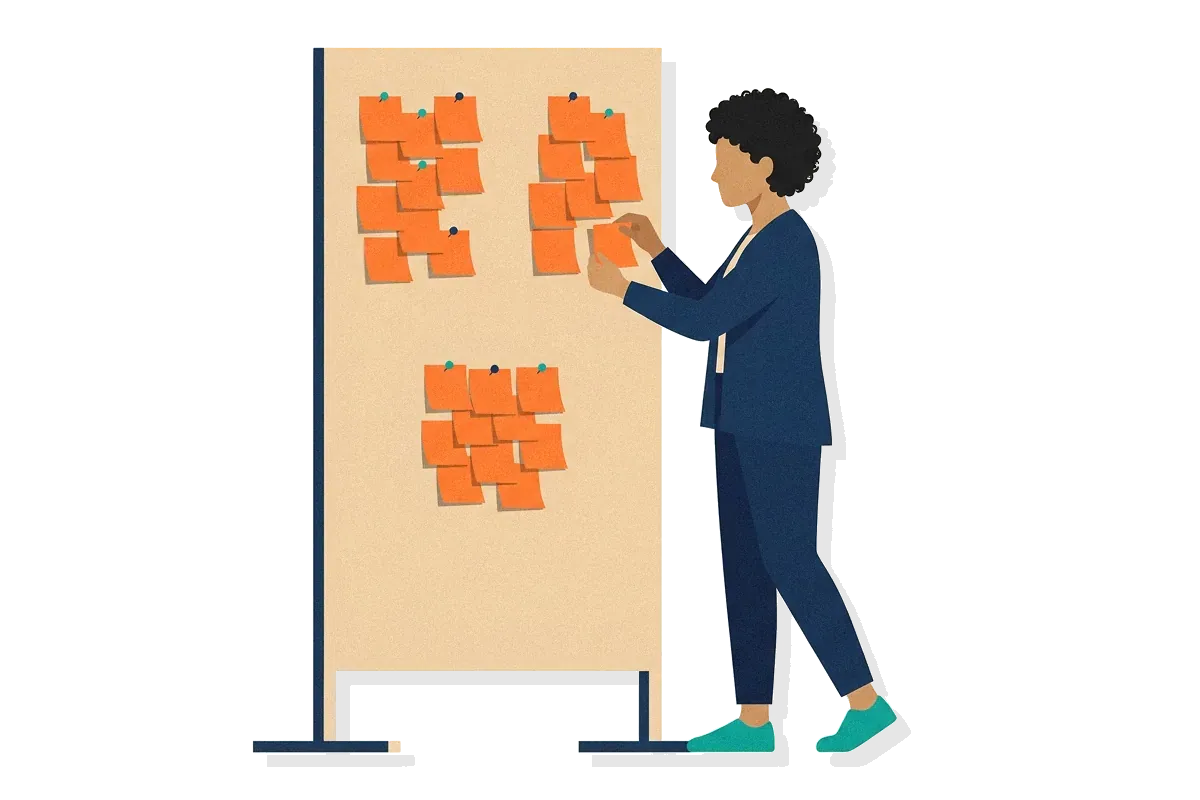
Two tools do this. The first is the affinity diagram, built on a wall. The team writes one observation on each note and groups similar notes. It labels each group with a note of another color, and groups combine into larger groups, up to three levels. Beyer and Holtzblatt suggest white notes for single observations, blue for summaries of groups, pink for the key issues in the data, and green for the areas of concern. They advise building the whole wall in one or two sessions, so the team stays with the data long enough to see the full problem. Afterward people read the wall by walking along it, adding ideas and marking where data is missing.
The wall has a limit. Holtzblatt and Beyer say the affinity wall shows the scope of the customers' problem well but is less good at showing the details of how people work. The second tool covers those details: consolidated work models. The team merges all flow models into one, all sequence models into one, and so on. Merging keeps the differences between people instead of averaging them away.
A consolidated model can be checked against one person
Because each consolidated model keeps its detail, the team can hold it next to any single user and ask whether it explains that person's work. A consolidated model can be tested against any single user, and it either accounts for that person's work or it does not. This answers the worry that a design built from a handful of visits rests on stories. A person the model fails to explain shows a gap in the model, and the team goes back to the data.
Personas built from field data
Teams often turn consolidated data into personas, descriptions of typical users written as if they were real people. Contextual design builds its personas from the consolidated field data instead of from demographic guesses.
062 min
From field data to a design in contextual design
Up to this point the team has described how people work today. Now it designs. Visioning comes first. A group from several roles tells stories of how users could do their work with new technology. A vision covers the system, how it is delivered and the support around it, and it is told from the user's point of view. It is rough on purpose, because its job is to set a direction and let the team check that the whole solution fits together.
Each task in the vision then gets a storyboard, a row of hand-drawn frames. Each frame shows one step the user takes and the system function that supports it. A storyboard keeps a task in one piece even when it passes from one person to another.
A storyboard says nothing about how the whole system is arranged. The User Environment Design does. It is a diagram of every part of the system, what each part does for the user's work, which functions it holds, and how the user moves between parts. It does not depend on any screen layout. The authors call it a floor plan of the system. With it, a team can plan releases in order and divide work across engineering teams at a level above individual screens.
The last step is the paper prototype. The team draws windows and buttons on paper and tests them at the user's workplace by replaying real work events. When a problem appears, the user and the designer fix the paper together. A change on paper costs little, so a team can run many rounds before it writes code. Holtzblatt and Beyer warn that, without a coherent picture of the work, design tends to turn into lists of features that ignore the system as a whole.
072 min
A worked example: the Variations2 library study
The team at the start of this article asked students what they wanted. Mark Notess, at the music library of Indiana University, took a different route and used contextual design's data steps. The library was building Variations2, a digital music library, and Notess wanted to know how students used the tools they already had.
Notess watched four graduate voice students in 14 sessions that focused on how they used information for their studies. Most sessions took place in the music library. The rest covered voice lessons, a class and a rehearsal, because Notess wanted a full picture of how the students used information. In each session the student did whatever work came next. The researcher sat beside each student at a library desk and wrote down what they did while they worked. Most sessions ended with a conversation about what Notess had seen, and he paid most attention to breakdowns.
Two ways of doing library work
Of the work models Notess built, the sequence model was the most useful. Merging the sequence models from the library visits gave two typical sequences. In "study in detail", a student picks one piece and listens to it again and again, following the score and the text and making notes. In "collect and select", a student looks through many candidates and checks details such as length, performer and key to decide which to use. None of the 14 sessions included both.
Three ways to find one recording
Inside "study in detail", the step "retrieve known recording" was done in three ways. Some students opened the course reserve list and scrolled to the recording. The list could be very long, and similar titles made it easy to pick the wrong item. Others typed a web address from the assignment sheet into the browser. A third group searched the online catalogue, where similar titles and links that did not change color after a visit also made wrong picks easy.
Notess noted that each breakdown pointed to a possible improvement. The three paths also showed differences between students, and between faculty, such as who was willing to type a long address.
081 min
When contextual design is the wrong tool
The same study shows what the method costs.
The cost in hours and days
Notess spent eight to ten hours planning and arranging the sessions, including a class visit to recruit students. The 14 sessions took about 24 hours. Notess reports that planning took eight to ten hours, the fourteen sessions about twenty-four hours, and building the work models about ten days. Four participants received a gift certificate each. Some critics add that the contact between designers and users is too brief to learn much. The 2005 book Rapid Contextual Design was written partly in answer to the complaint that the full method takes too much time and effort for some projects.
Short schedules
Scheduling the visits was hard because the students were busy. Notess concludes that contextual inquiry does not suit a project with a very short schedule.
Small samples
With only four participants, the study could guide design decisions but could not measure how well the system worked overall. Holtzblatt and Beyer say the qualitative data should ideally be combined with survey results, which show how many customers share a need and what they would pay for a solution.
091 min
Contextual design vs. nearby concepts
Contextual design is often confused with its first step, and with other methods that also involve watching people.
| Concept | How it relates | What separates them |
|---|---|---|
| ResearchContextual inquiry | ||
| ResearchDesign ethnography | ||
| ProductParticipatory design | ||
| ResearchUser interviews | ||
| DesignTask analysis |
A second meaning of the name
Some design writing uses "contextual design" for visual or interface design that fits its audience, setting or device, such as a website that changes with the visitor's location. That is a different idea, and it needs no field research. This article uses the term as Holtzblatt and Beyer do.
101 min
Using contextual design on a product team
Few teams run all seven steps. Holtzblatt and Beyer say the method usually enters a company's process at requirements gathering, or at an early checkpoint before the company commits to building. A team can take these steps this month.
- Recruit users who work in different ways, and plan visits around their schedules.
- Bring people from design, engineering and marketing to the interpretation sessions, so each hears the same account.
- Build the affinity wall in one or two sessions.
- Write a rough vision before drawing any screen, then test it with storyboards.
- Test paper prototypes at the user's workplace, using the user's own tasks.
The first decision is how much of the picture you need. A team that cannot afford ten days of modeling can make fewer visits, build one wall, and still replace its guesses with observations. A team that is deciding what to build next has a stronger reason to follow the full path to a vision.
?3 questions
Questions people ask
Can contextual design work with agile teams?
Does contextual design replace usability testing?
Where can I learn contextual design in depth?
§4 sources
Sources
Show all 4 sourcesHide sources
Contextual Design — Karen Holtzblatt and Hugh Beyer, The Encyclopedia of Human-Computer Interaction, 2nd ed., Interaction Design Foundation, 2014
Contextual Design: Using Customer Work Models to Drive Systems Design — Karen Holtzblatt and Hugh Beyer, CHI 97 tutorial, 1997
Three looks at users: a comparison of methods for studying digital library use — Mark Notess, Information Research 9(3), 2004
Contextual design — Wikipedia, a summary of the process steps and the affinity wall colors it takes from Beyer and Holtzblatt (1998)